

Step 1: Create a Langfuse API key
In Langfuse, go to your project’s Settings > API Keys and create a new key pair. Copy both the Secret Key and Public Key.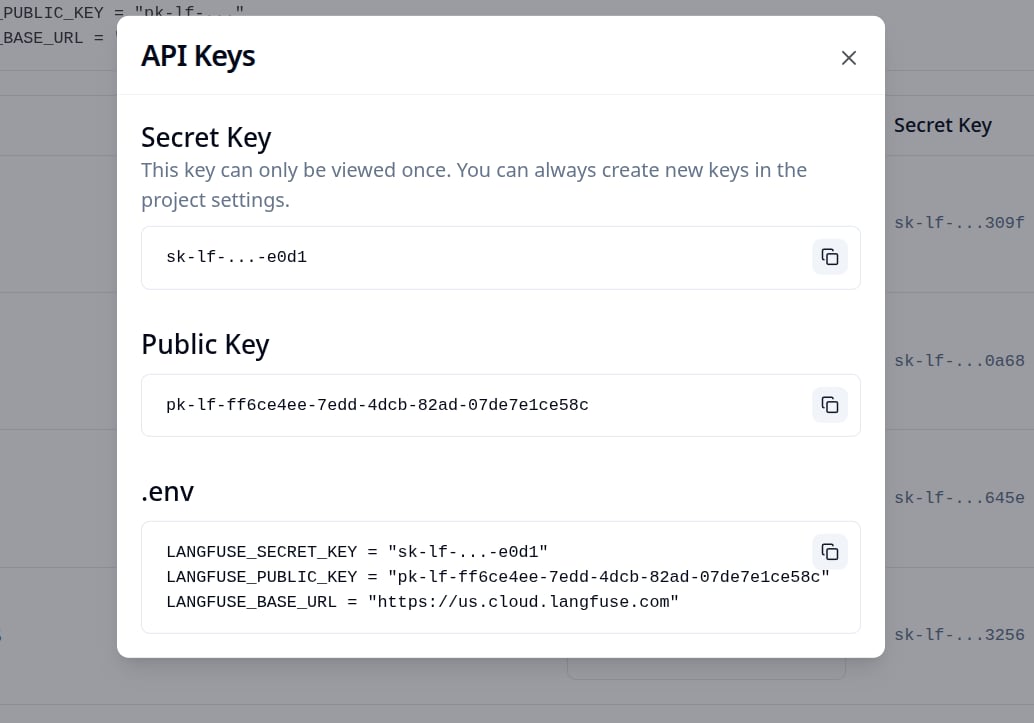
Step 2: Enable Broadcast in OpenRouter
Go to Settings > Observability and toggle Enable Broadcast.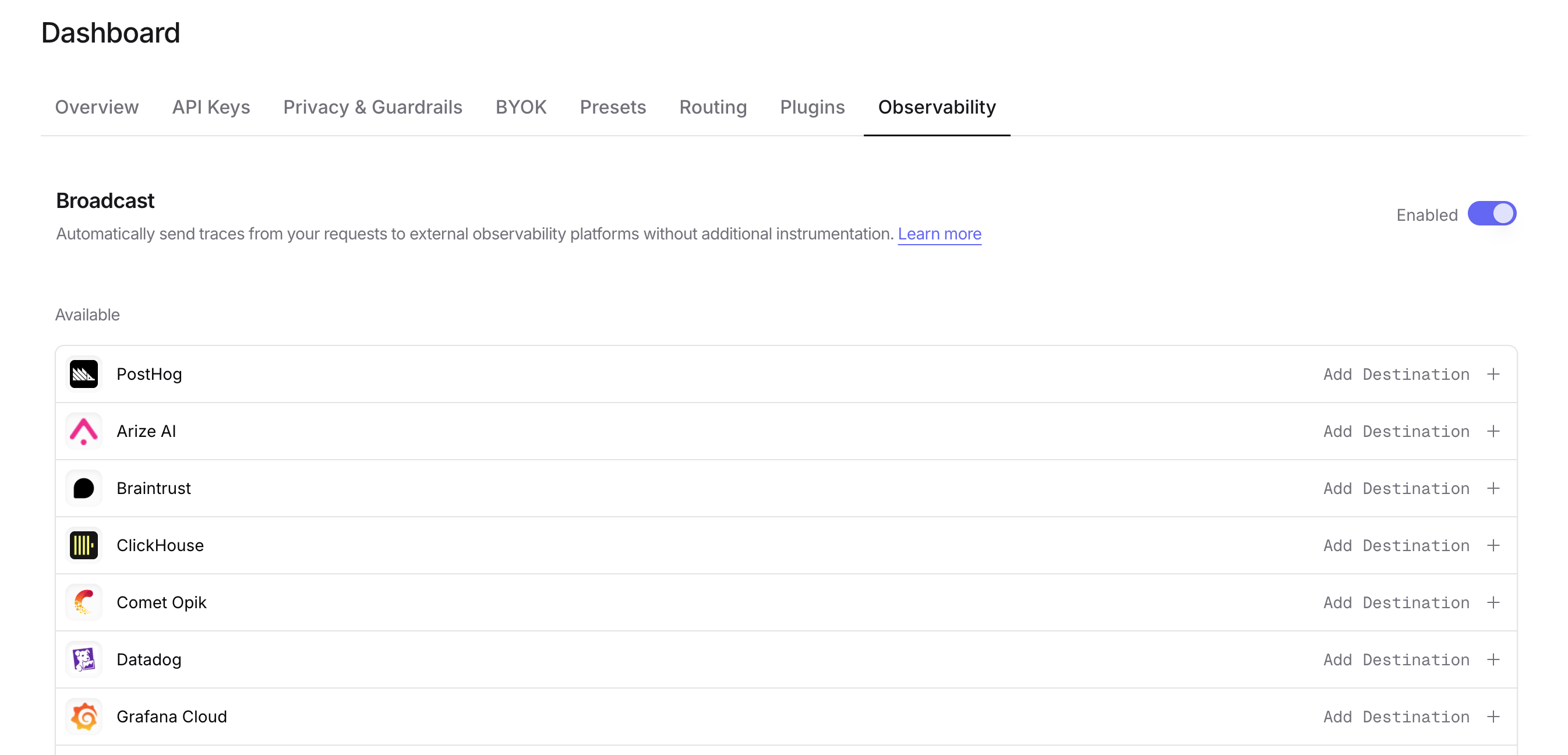
Step 3: Configure Langfuse
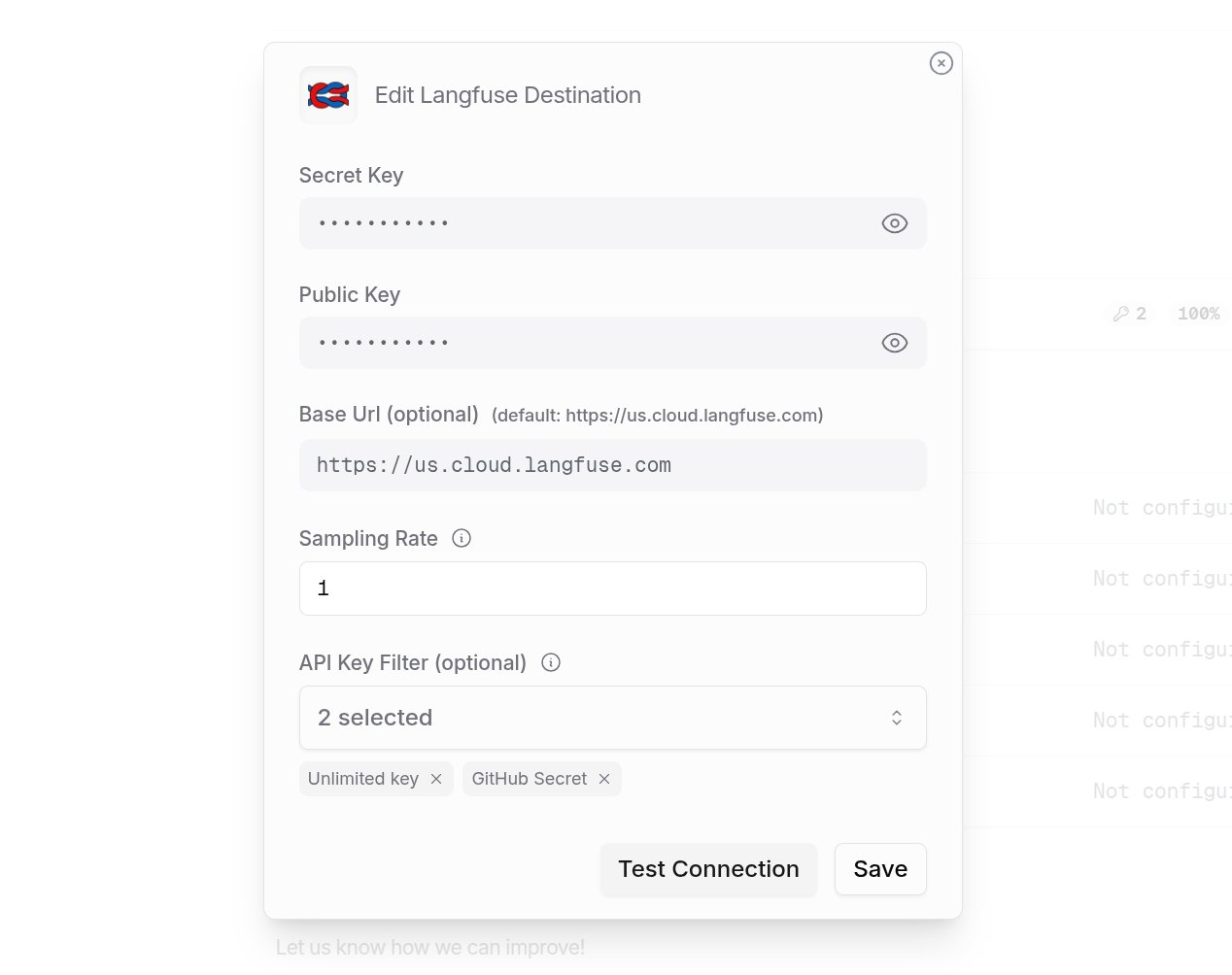
Click the edit icon next to Langfuse and enter:- Secret Key: Your Langfuse Secret Key
- Public Key: Your Langfuse Public Key
- Base URL (optional): Default is
https://us.cloud.langfuse.com. Change for other regions or self-hosted instances
Step 4: Test and save
Click Test Connection to verify the setup. The configuration only saves if the test passes.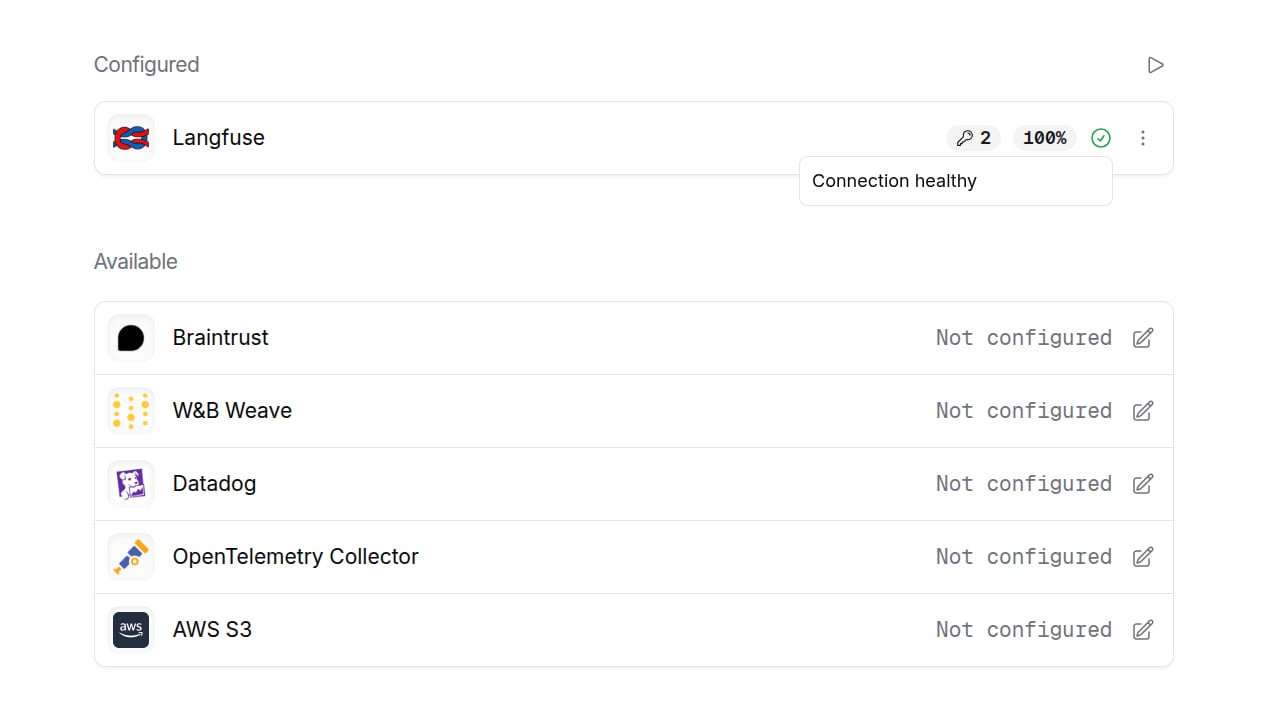
Step 5: Send a test trace
Make an API request through OpenRouter and view the trace in Langfuse.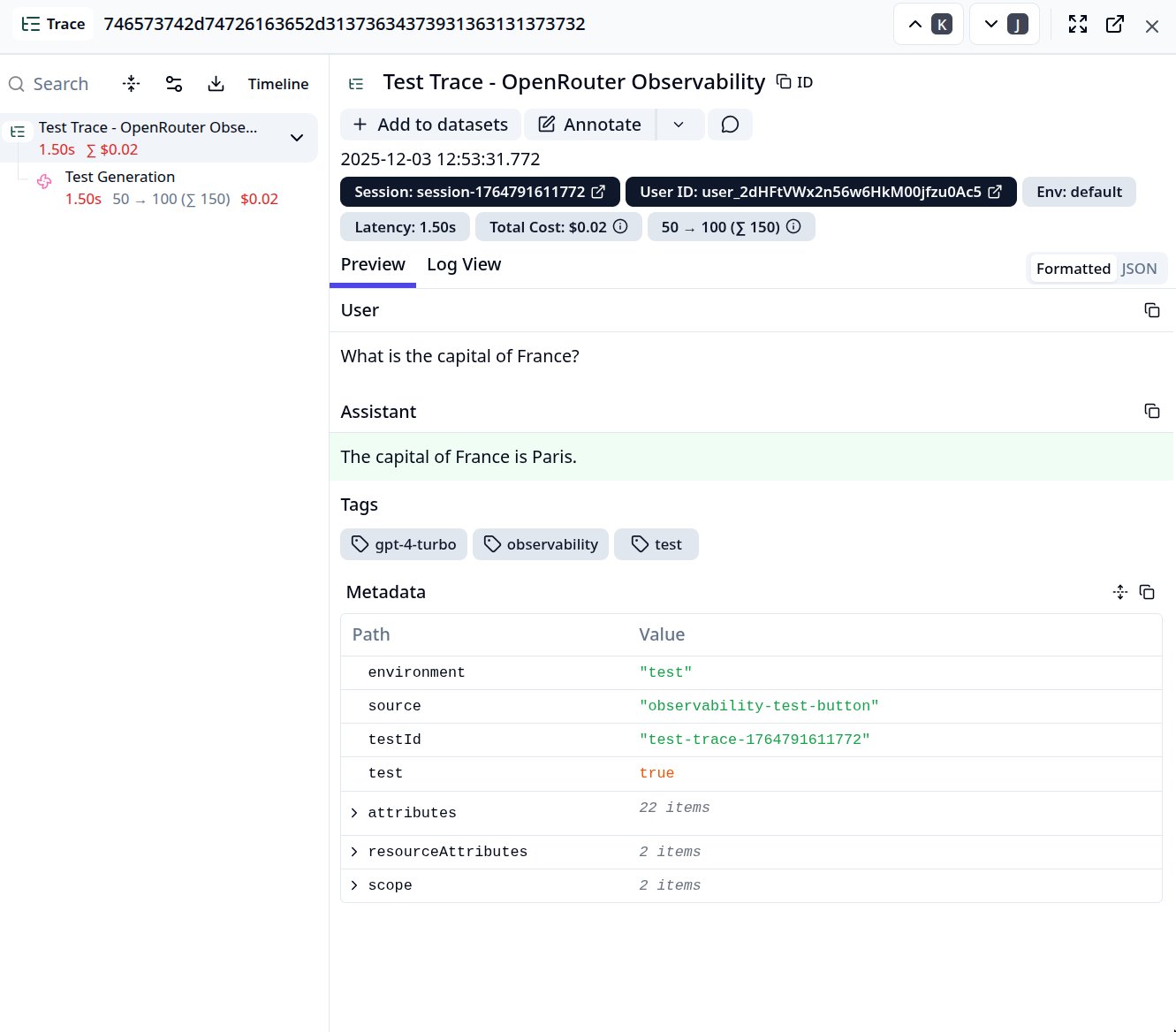
Custom Metadata
Langfuse supports rich trace hierarchies and metadata. Use thetrace field to customize how your traces appear in Langfuse.
Supported Metadata Keys
Example
Additional Context
- The
userfield maps to Langfuse’s User ID for user-level analytics - The
session_idfield maps to Langfuse’s Session ID for grouping conversations - Any additional keys in
traceare passed as trace metadata and can be used for filtering and analysis in Langfuse