Looking to build a headless agent for scripts, pipelines, or API servers instead? See the Build Your Own Headless Agent guide.
create-react-app for terminal agents. Tell your AI coding agent what kind of agent you want, and it generates a runnable project targeting OpenRouter with a fully customizable terminal interface, tools, and configuration.
Under the hood, this is a full agent harness: the generated project uses @openrouter/agent for the inner loop (model calls, tool execution, stop conditions) and provides everything around it — configuration, tool definitions, session management, and the entry point.
When to build your own
Building a custom agent TUI makes sense when:- You want to customize the look — create a fun UI or a custom one for your project or team
- You need custom tools — your agent interacts with your own APIs, databases, or domain-specific systems that generic agents can’t reach
- You want control over the loop — you need custom stop conditions, approval flows, cost limits, or model selection logic that hosted agents don’t expose
- You’re shipping a product — the agent is part of your application, not a developer tool, and you need to own the entry point (CLI, API server, embedded)
- You want to learn — understanding how agents work at the tool-execution level makes you better at using and debugging them
Install the skill
The create-agent-tui skill is part of the OpenRouter Skills collection. Install it with your AI coding agent of choice:- GitHub CLI
- Claude Code
- Cursor
Requires GitHub CLI v2.90.0+. Works with Claude Code, Cursor, OpenCode, Codex, Gemini CLI, Windsurf, and many more agents:
Prerequisites
- Node.js 18+
- An OpenRouter API key
How it works
The skill presents your coding agent with an interactive checklist of tools, modules, visual styles, and slash commands. You pick what you need, and the agent generates the entire project — ready to run withnpm start.
What @openrouter/agent handles
Visual customization
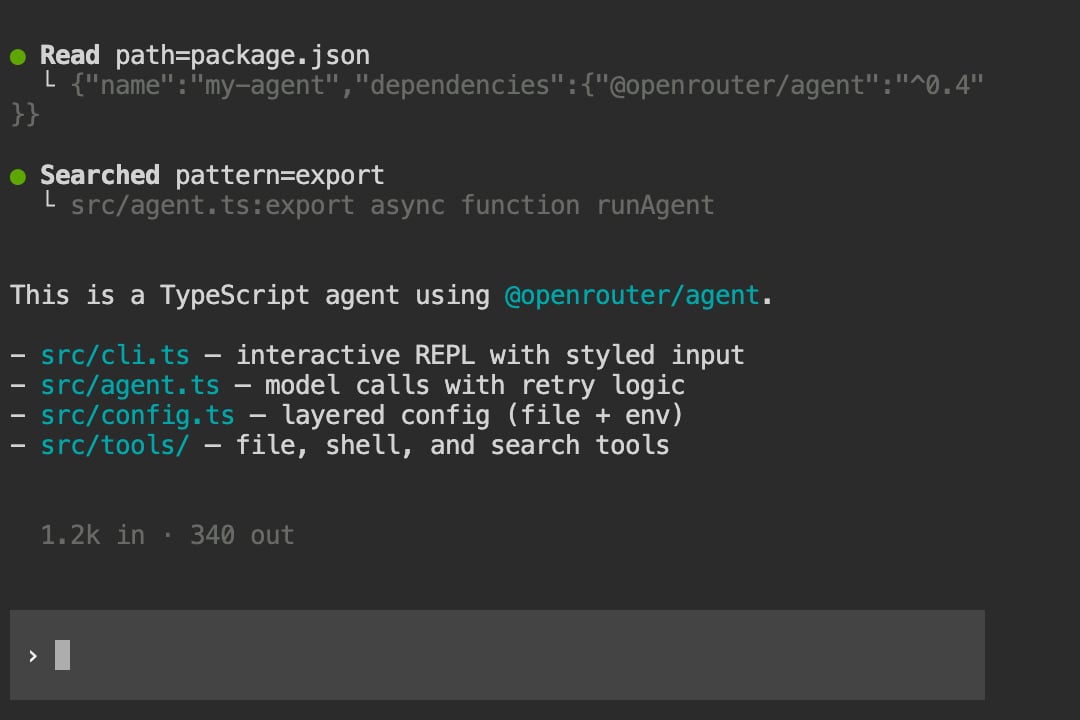
Every part of the terminal UI is customizable. The skill lets you choose each style when scaffolding, and you can override them at launch via CLI flags or in the config file.Tool display styles
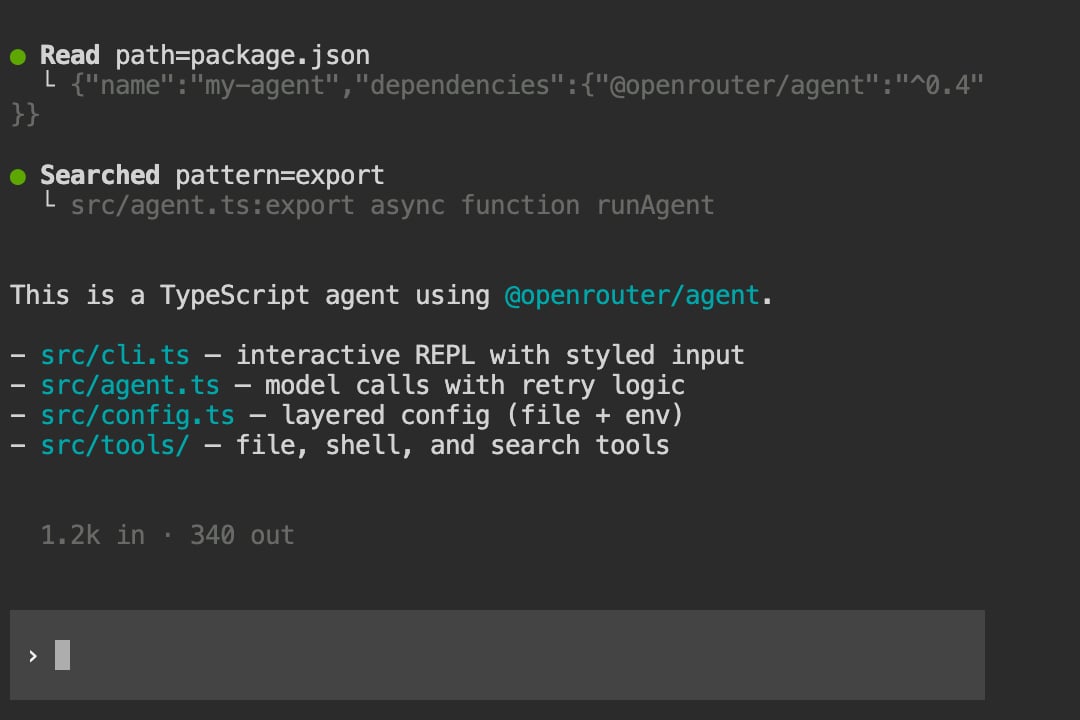
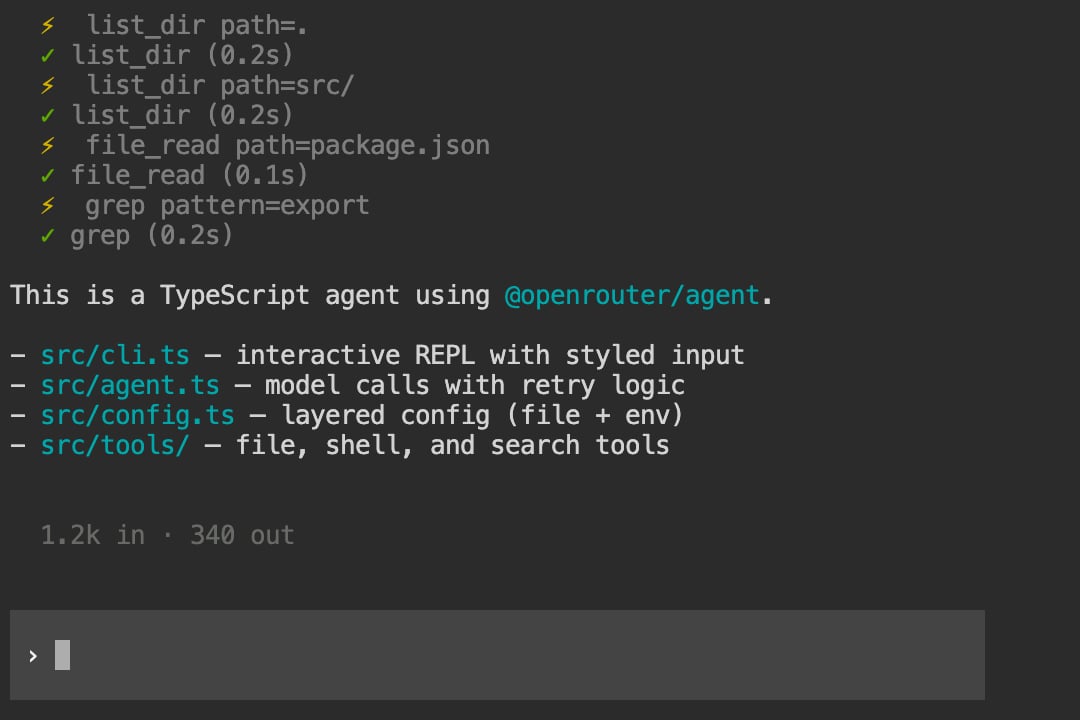
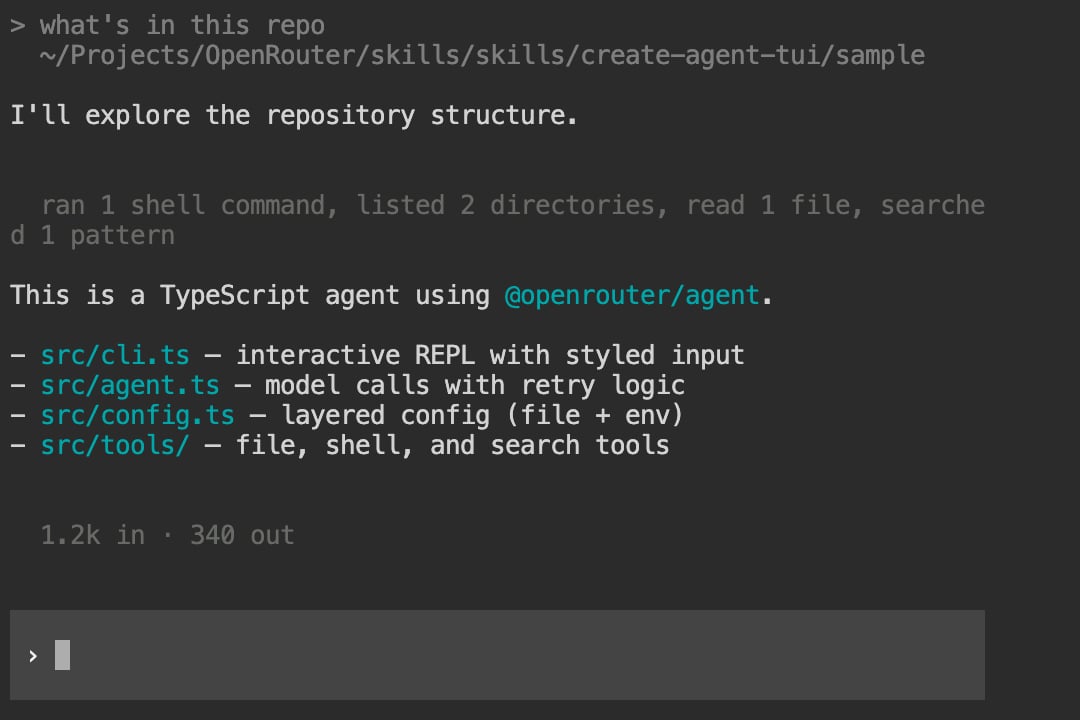
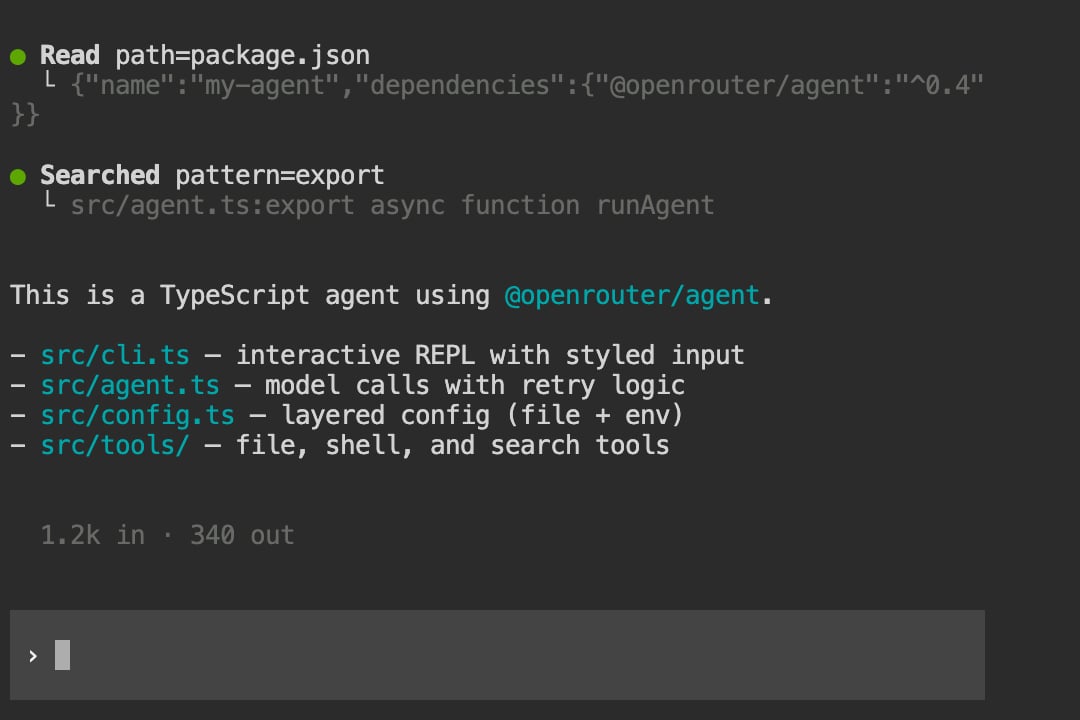
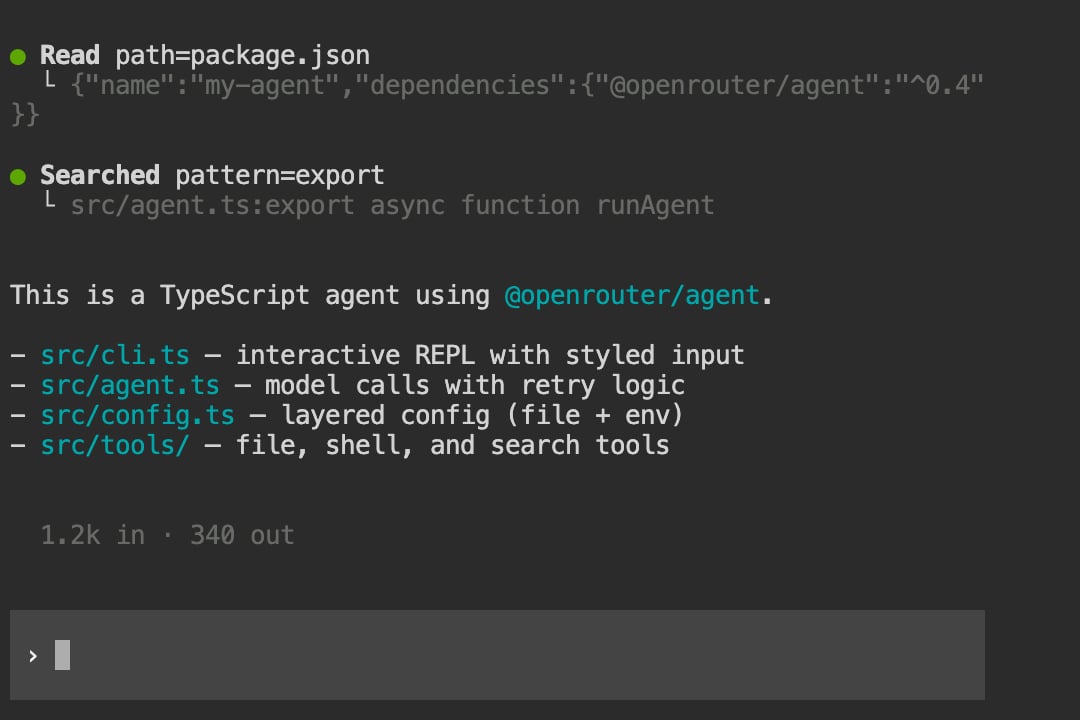
Choose how tool calls appear during agent execution. Setdisplay.toolDisplay in your config or pass --tool-display at launch.
Grouped — bold action labels with tree-branch output:
Input styles
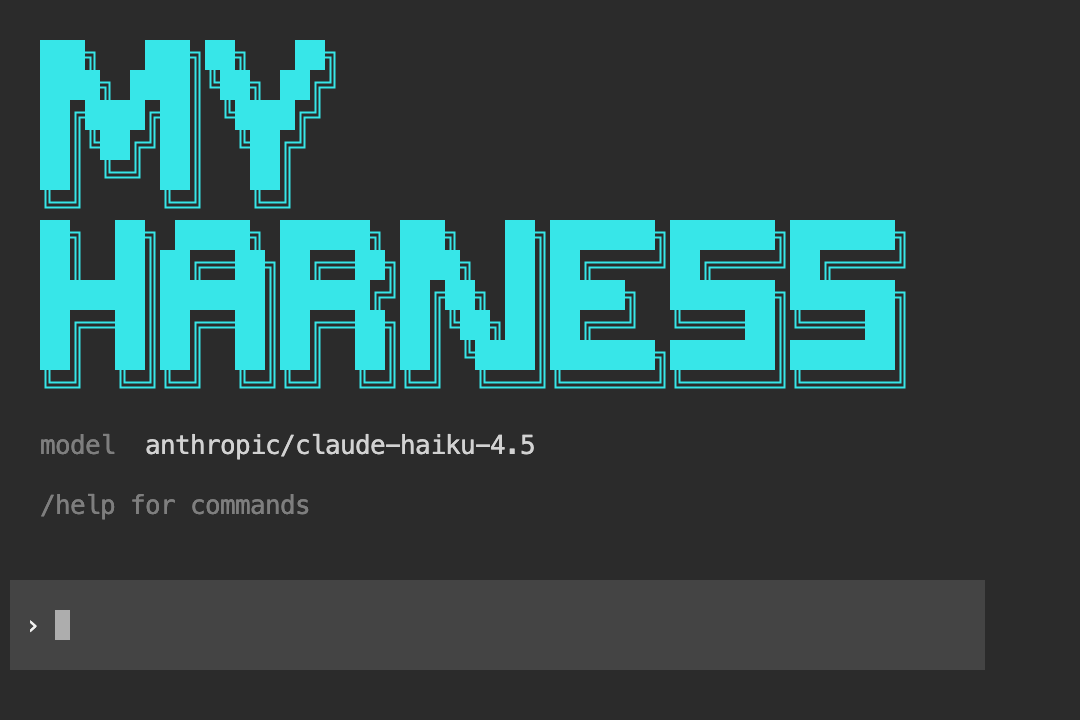
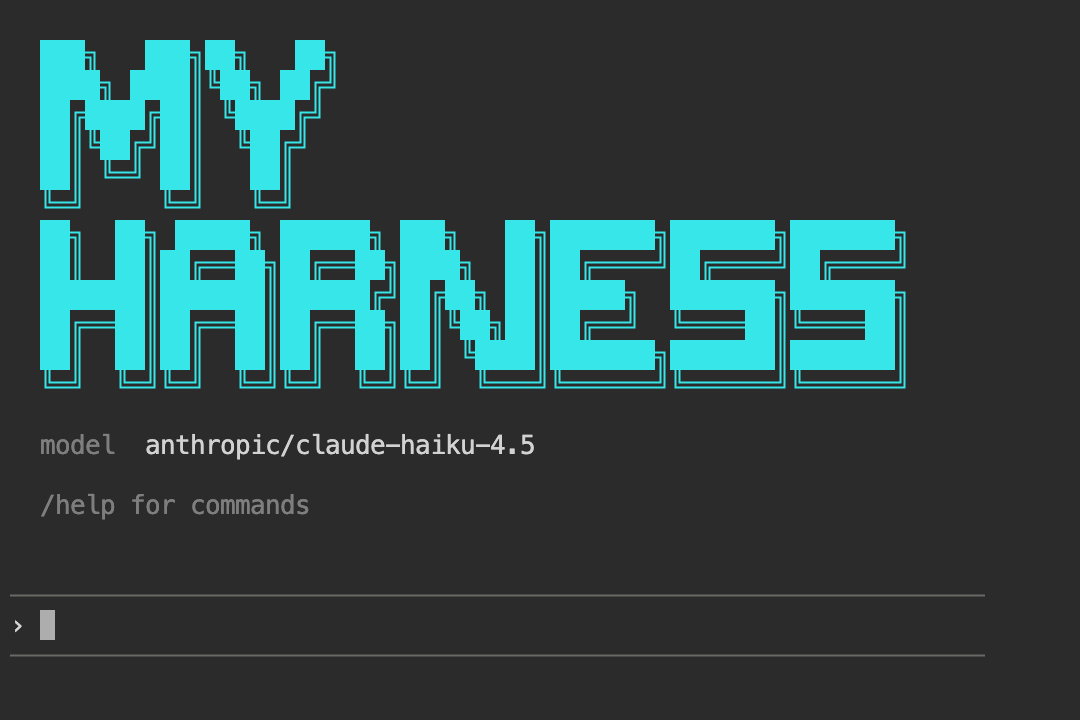
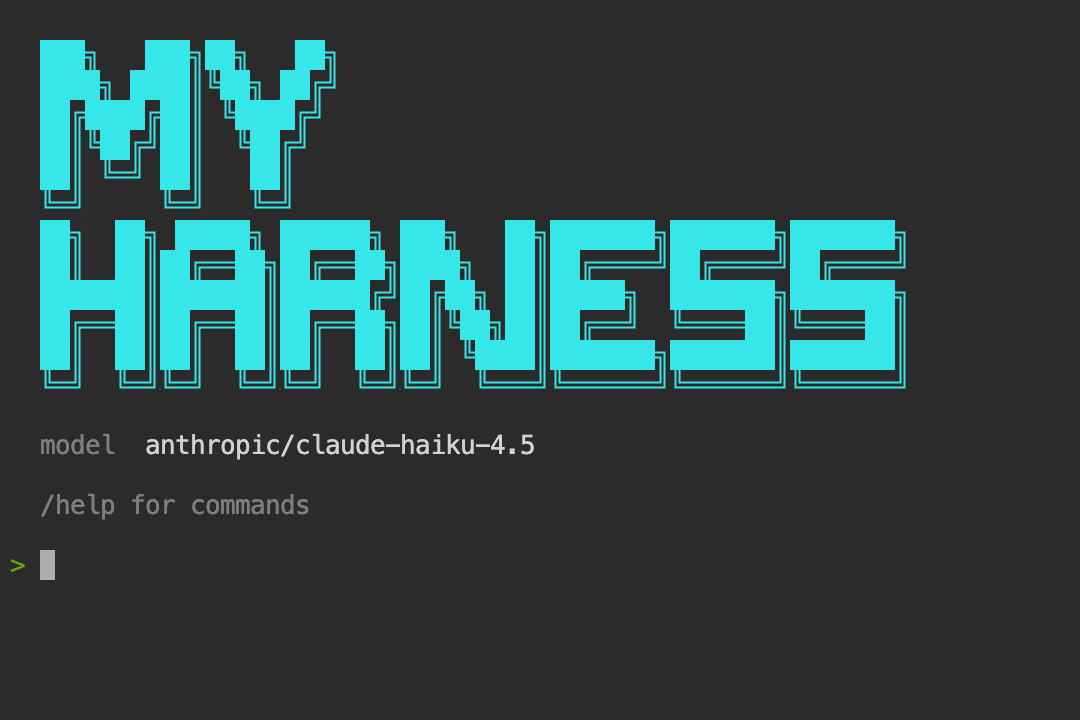
Three input styles are available viadisplay.inputStyle or --input.
Block — full-width background input box that adapts to your terminal theme:
Loader animations
Three loader styles shown while waiting for the model response. Setdisplay.loader.style and display.loader.text in config.
Gradient — scrolling color shimmer:
ASCII banner
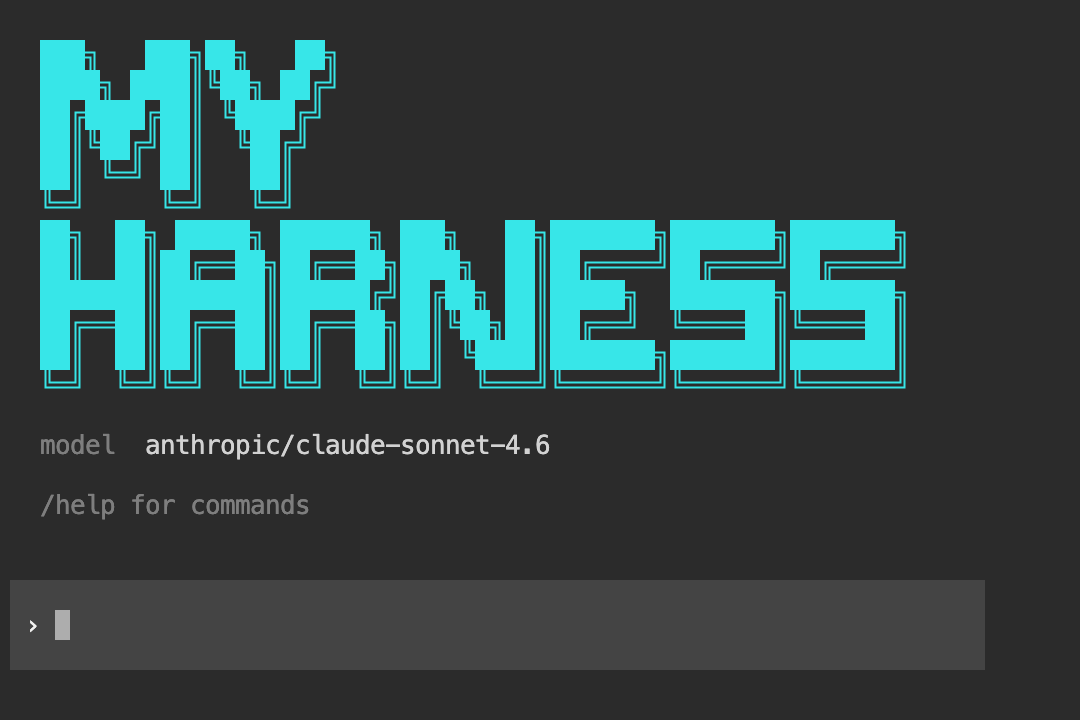
EnableshowBanner or pass --banner "Your Agent Name" to display a custom ASCII art logo on startup. The skill generates block-letter art for your project name using the █ character, colored and sized to fit a 60-column terminal.
Generated project structure
With default options selected, the skill generates this layout: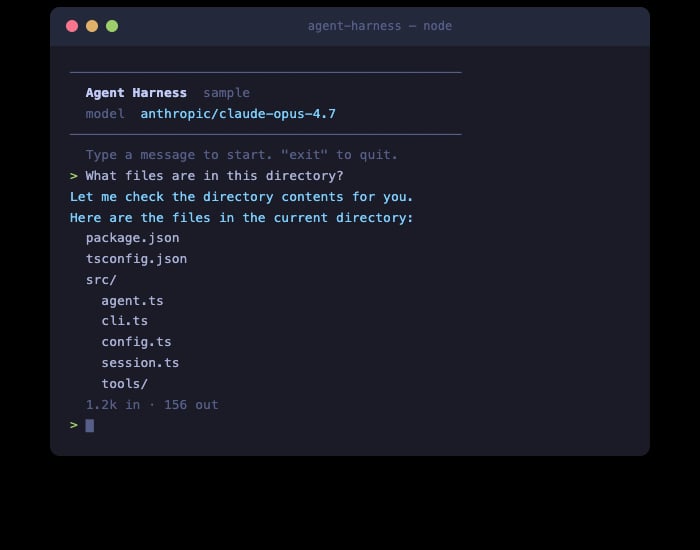
Customization options
The skill presents a checklist when invoked. Items marked on are pre-selected defaults.Server tools
Executed by OpenRouter server-side — zero client code needed.User-defined tools
Generated intosrc/tools/ with full implementations.
Harness modules
Architectural components that extend the core agent harness.Slash commands
User-facing REPL commands generated intosrc/commands.ts.
Entry points
The skill generates a CLI REPL by default, but you can also ask for:- HTTP API server — Express/Hono server with SSE streaming for building web-accessible agents
- Both — CLI for development, server for production
Example
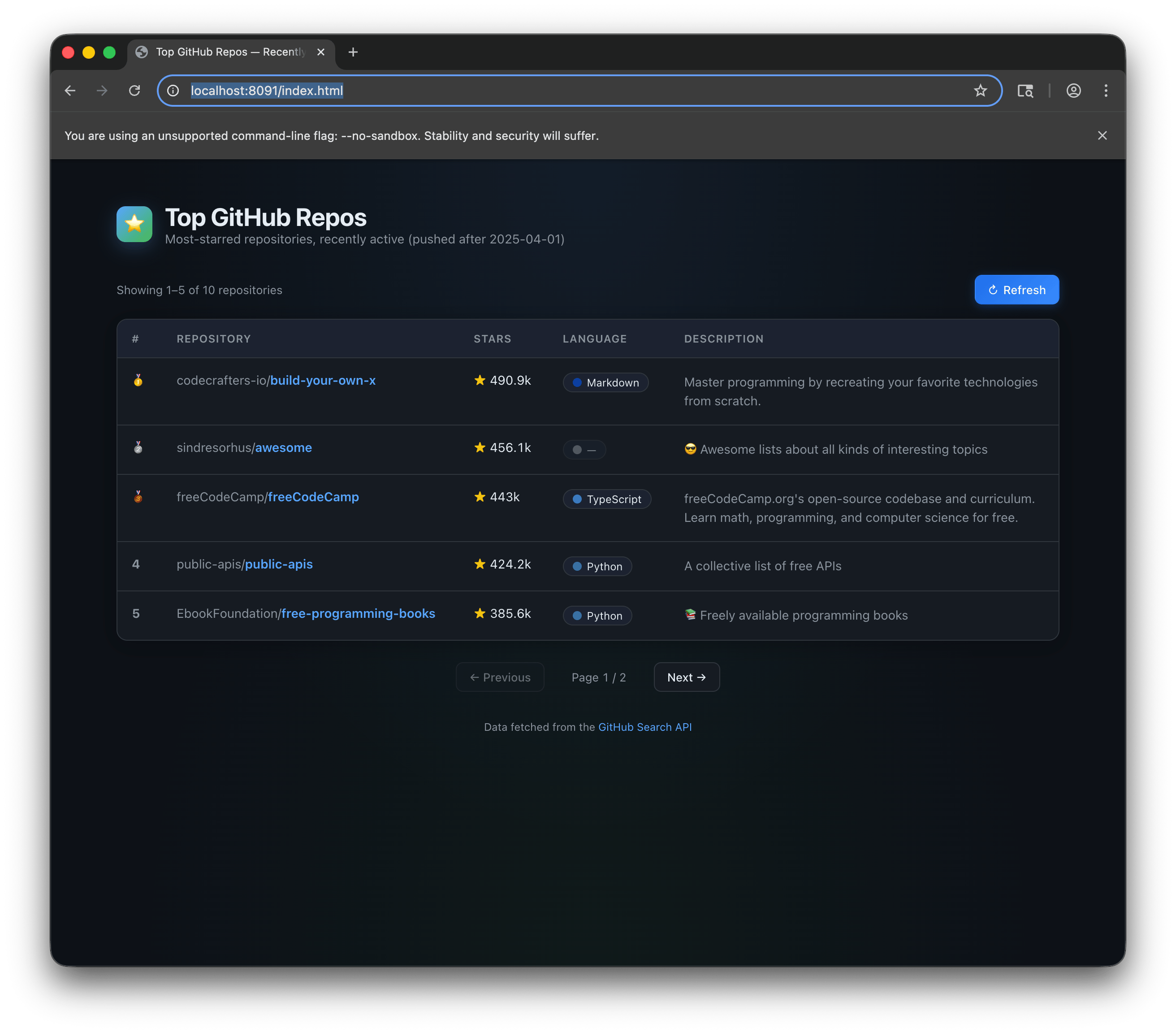
Here’s a demo app built entirely by the agent TUI skill — a GitHub trending repos viewer, scaffolded and running from a single prompt: